The short answer
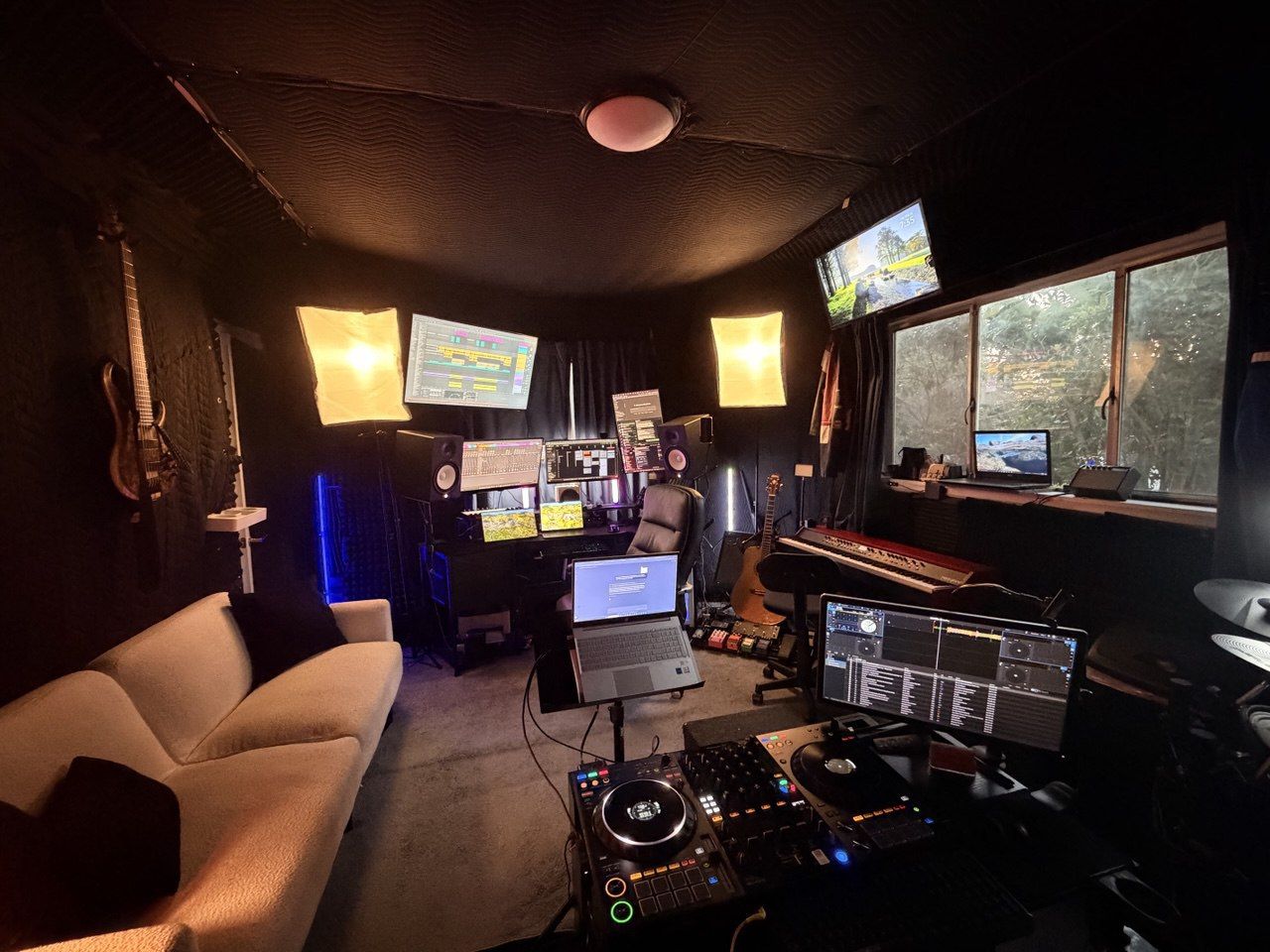
Use a tutorial when you can name the control or technique you need to learn. In my production teaching, we open the student's own track and decide which change is worth making. For example, we can compare a quieter verse with a bigger chorus before reaching for another compressor. My online production lessons use screen sharing so we can make that comparison in your session. A targeted video can still handle a software question between lessons.
What YouTube does well
- Fast software answers: sidechaining a compressor, routing a bus, warping audio, editing MIDI, using one particular plug-in.
- Style demonstrations: watching a few producers attack drums, vocals, or sound design gives you more ideas to steal.
- Low-risk exploration: before you spend anything, you can learn a DAW's vocabulary and see whether production even holds your interest.
- Reference on demand: a good tutorial is still there months later when you forget how a technical process goes.
Where tutorials stop helping
A video can't hear your balance, tell you whether the verse earns the chorus, or notice you keep fixing arrangement problems with more plug-ins. Search also rewards novelty and confidence. Your track might need something much simpler than the video promising a professional mix in ten minutes.
Tutorial hopping turns into a loop. Learn a trick, drop it into the track, hear a new problem, search again. You pile up information and never build a way of deciding.
What I deliver in a useful production lesson
I work from the session or song idea the student actually walks in with. We listen first, name the main bottleneck, and make changes right there in the track. No touring random features.
- A prioritized diagnosis: the one issue that matters now, and which tempting ones can wait.
- A changed session: a recorded part, a cleaner edit, a better groove, a clearer arrangement, or a rough mix you can actually work with.
- The reason for each move: what to listen for before and after.
- A short next-step list: two or three things in order, plus any tightly targeted tutorial topic worth watching.
- An export or bounce when it helps: something to compare outside the session and bring back next time.
I don't want students leaning on my taste forever. I want them leaving with a way of making decisions they can take into the next track.
Choose a lesson when one of these is true
- You start a lot of tracks and almost never finish one.
- You can run the DAW fine but can't tell what to work on next.
- Your mixes sound different outside your headphones or your own room.
- You keep buying sounds or plug-ins to fix songwriting problems.
- You want help recording vocals or instruments without losing momentum.
- You've got a deadline, a collaboration, a release, an audition, or a portfolio to build.
A fair hybrid plan
- Bring one real project. A song you're working on shows me more than any generic exercise.
- Choose one bottleneck. Arrangement, drums, vocal production, recording, sound choice, mixing, or finishing. Just one.
- Use the lesson to diagnose and plan. Leave with two or three changes, in order.
- Use tutorials only for the gaps I assign. Searching gets focused instead of endless.
- Come back with a new bounce. We compare what changed and decide what carries into the next project.
Do lessons require a specific DAW?
No. Ableton is my main DAW, and I also teach in Logic, FL Studio, GarageBand, or whatever setup you already use. The menus change. Decisions about timing, tone, arrangement, recording, and contrast don't.
What to bring to an intro lesson
Before deciding to book, write one sentence about the problem. If it's "I don't know how to export," start with your DAW's instructions. If it's "The chorus still feels small, and I can't tell whether it's the arrangement or the balance," bring the session and a reference song. That gives us a question to listen for together. You don't need to clean up the project to make the question useful.